Welcome
A day with Totlob
Follow a bookshop-and-café through a single day to see how the till, the dashboard and the platform work together.
Before opening
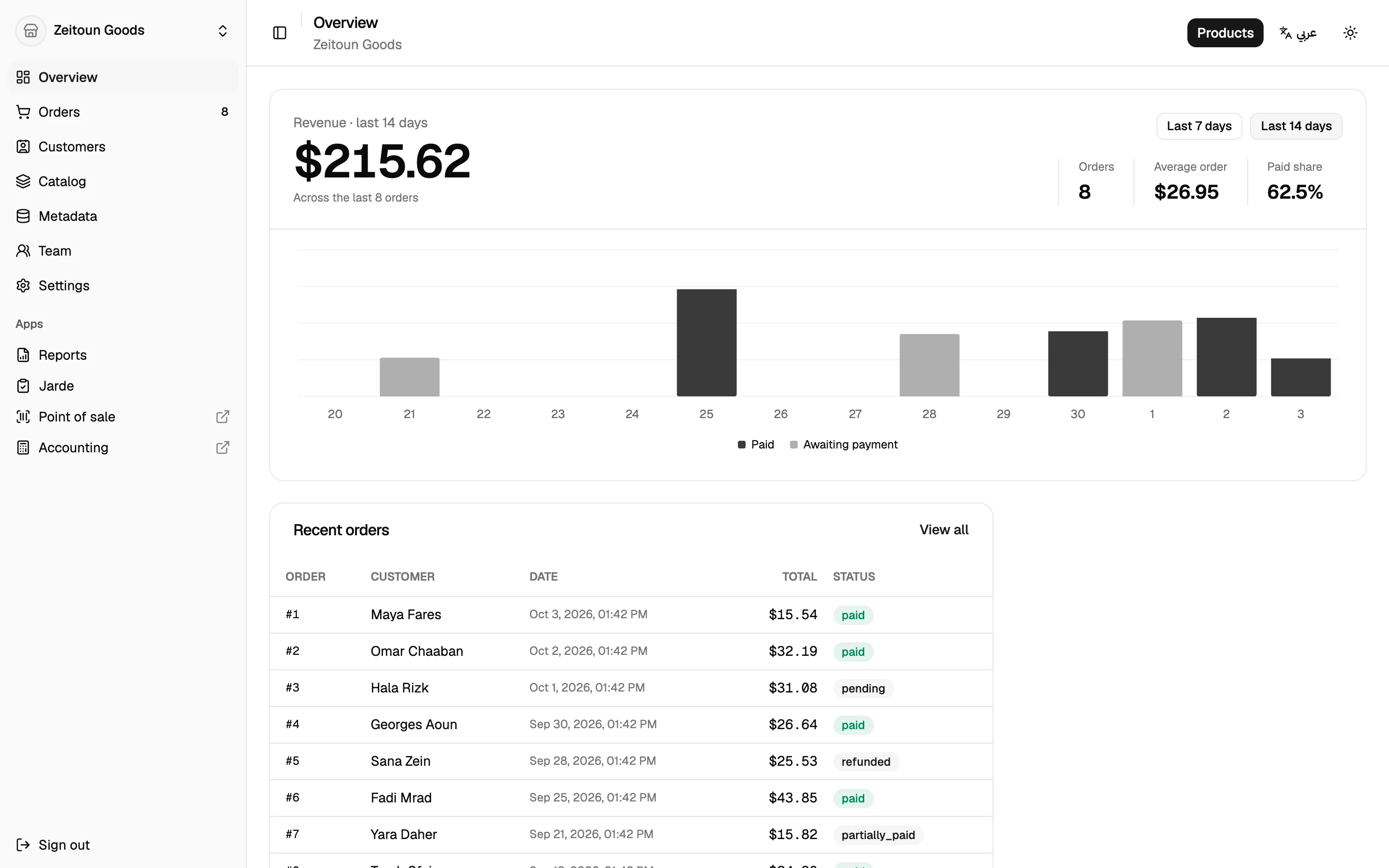
The owner opens the dashboard on their laptop. The Overview shows yesterday's revenue, how many orders are still waiting to be paid or shipped, and any alerts that need attention.
A new shipment of books arrived last night. Rather than typing them in one by one, the manager imports a spreadsheet of new titles. Totlob checks the whole file first, shows what it will create, and adds the products only after the manager confirms. Stock for each branch can come in from the same file.
Opening the till
At the café counter, the cashier signs in to the point of sale with their email and a one-time code. No passwords to remember or share. They can also open the till straight from the dashboard with one click.
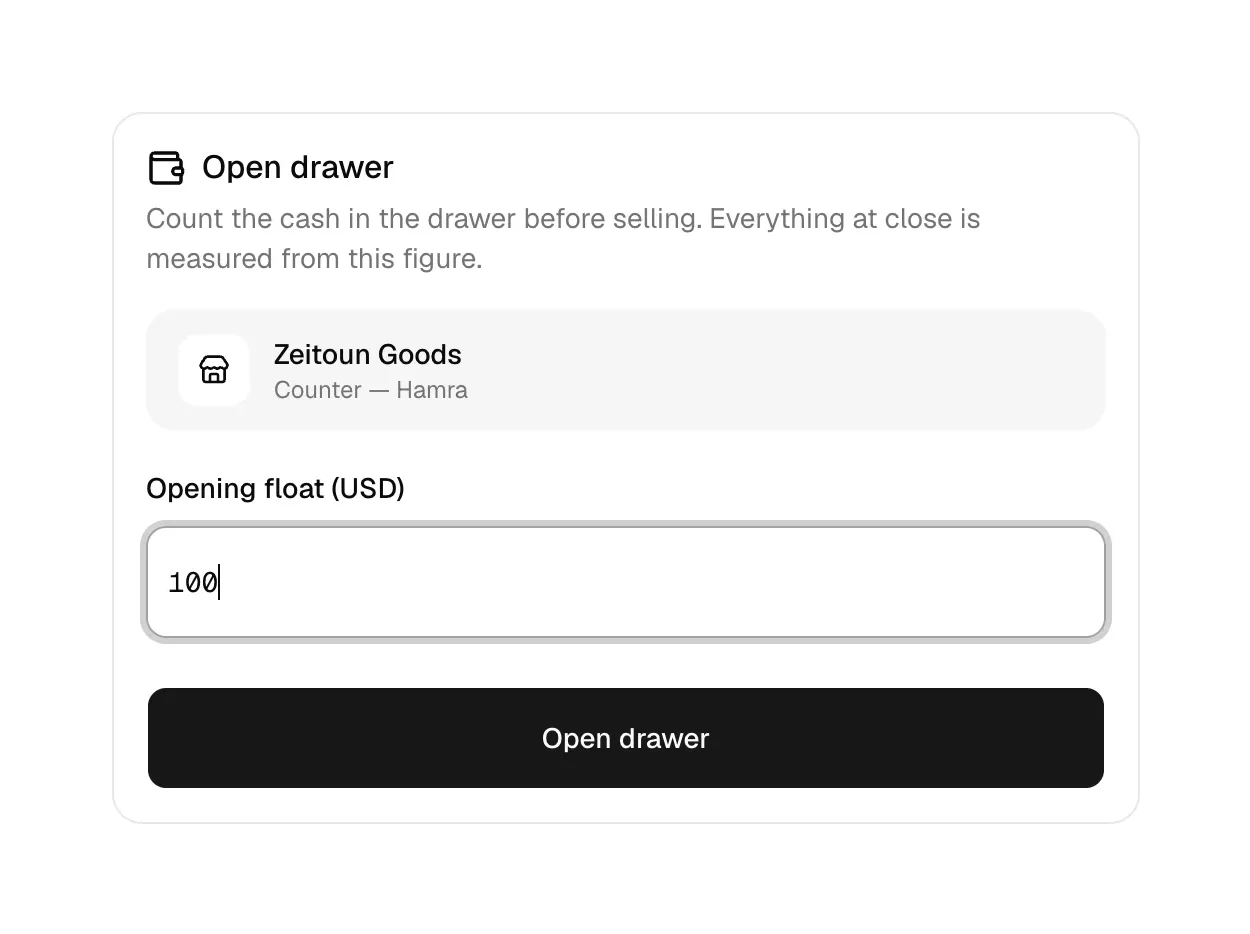
They pick their branch and open the drawer by entering the cash float. Until the drawer is open, the till won't take a sale. This rule means every sale belongs to a shift.
The morning rush
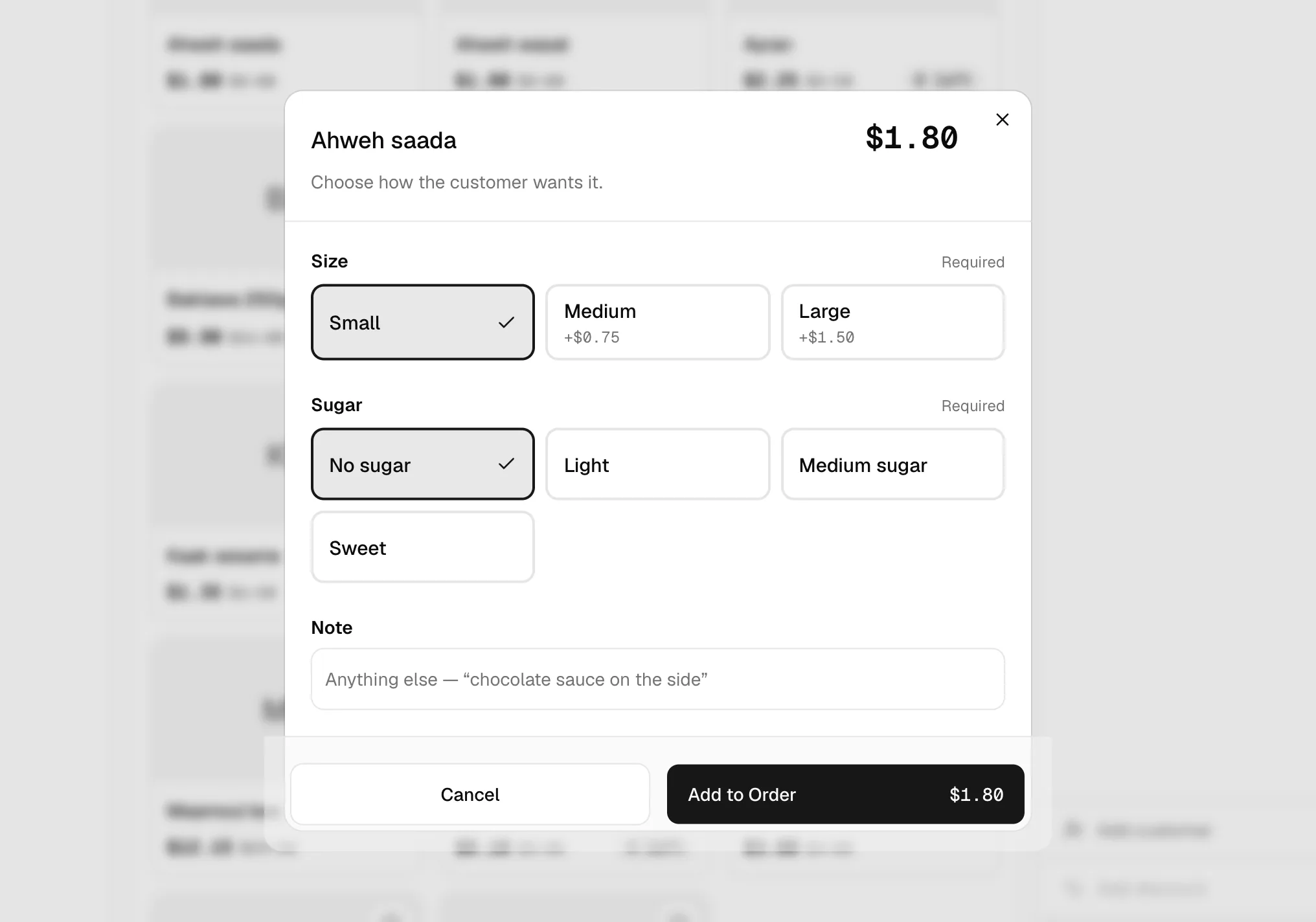
A customer orders a flat white. The cashier taps Café on the till's home screen, then the drink. A panel appears asking for the milk (required) and any extras (optional). The price updates as options are chosen, and a note like "extra hot" can be added.
Next, a customer brings a book to the counter. The cashier scans the barcode, and the book is added to the sale with its price, plus any discount running that week.
The customer is a regular, so the cashier searches by phone number and attaches them to the sale. Their name prints on the receipt and the purchase appears in their history.
They pay with Whish, a mobile wallet. The cashier taps Whish, confirms, and the receipt prints.
Midday
A loyal customer is promised 10% off. Manual discounts need approval, so the cashier enters the reason, and the shift supervisor types their discount PIN. The receipt shows the reason, and the system records who approved it.
The cashier moves $200 to the safe (a "drop") and later pays $15 to a courier from the drawer (a "pay-out", tagged as a delivery expense). Each movement is recorded with a reason.
In the back office
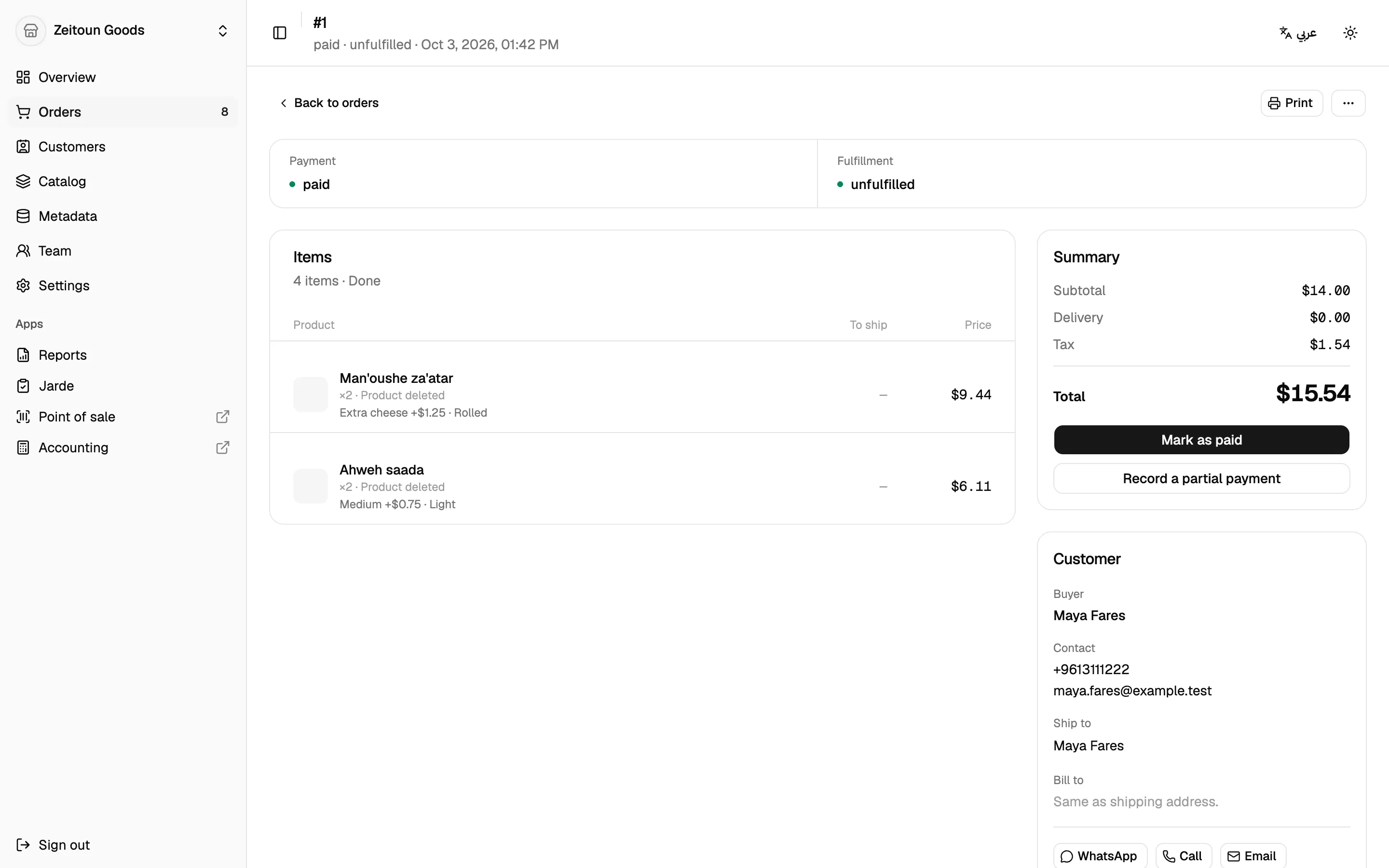
Meanwhile an online order from the shop's website arrives on the dashboard. The owner marks it paid when the bank transfer clears, prints a packing slip, and fulfils it with the courier's tracking number.
A customer returns a damaged book from last week. The owner opens a return, receives the item, and marks it damaged, so it doesn't go back into sellable stock. Then they issue a refund.
Closing up
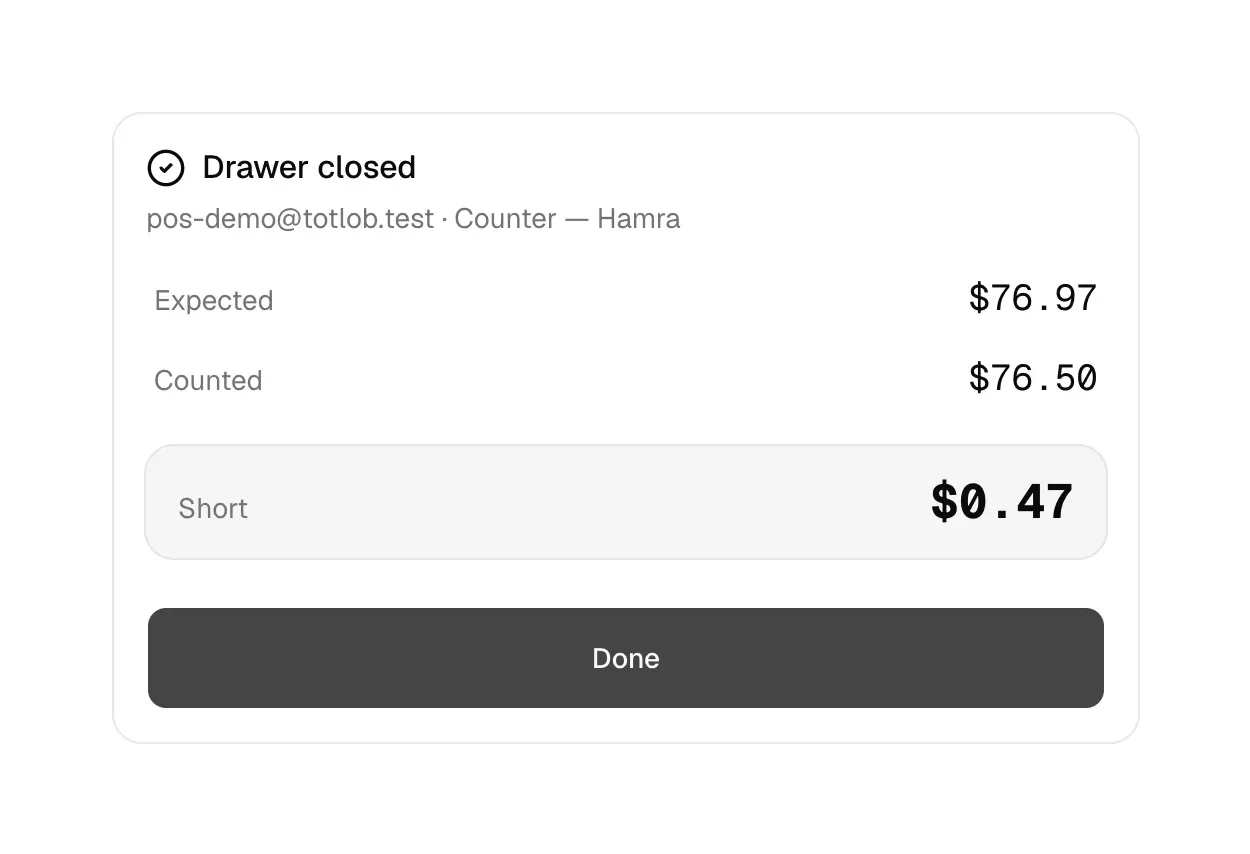
The cashier closes the drawer. They count the cash and type the total before the till shows what it expected. Only then does the till reveal whether the drawer is balanced, short or over, and by how much.
End of day
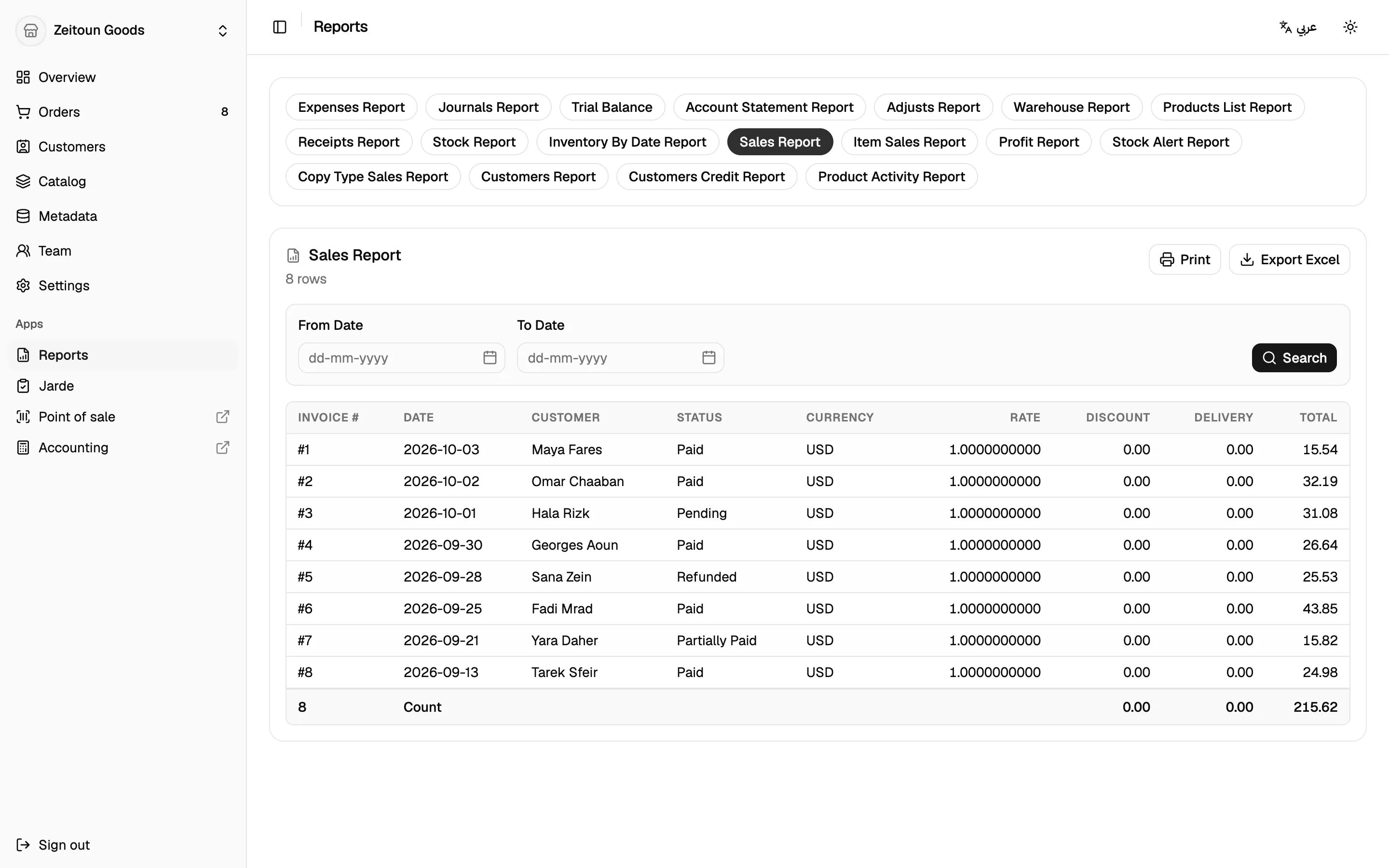
The owner opens Reports and checks Sales and Item Sales for the day, then Stock Alert to see which titles are running low. They export the sales report to Excel for their accountant.
The day's sales, card and wallet payments, and the courier expense are already posted to the books. Nothing needs re-entering.