Selling in store
Cash drawer & shifts
Every sale belongs to a shift, and every shift starts and ends with the cash drawer. Totlob makes the cash easy to account for and hard to fudge.
Opening the drawer
At the start of a shift the cashier enters the opening float, the cash already in the drawer (zero is fine). The till won't take a sale until a drawer is open.
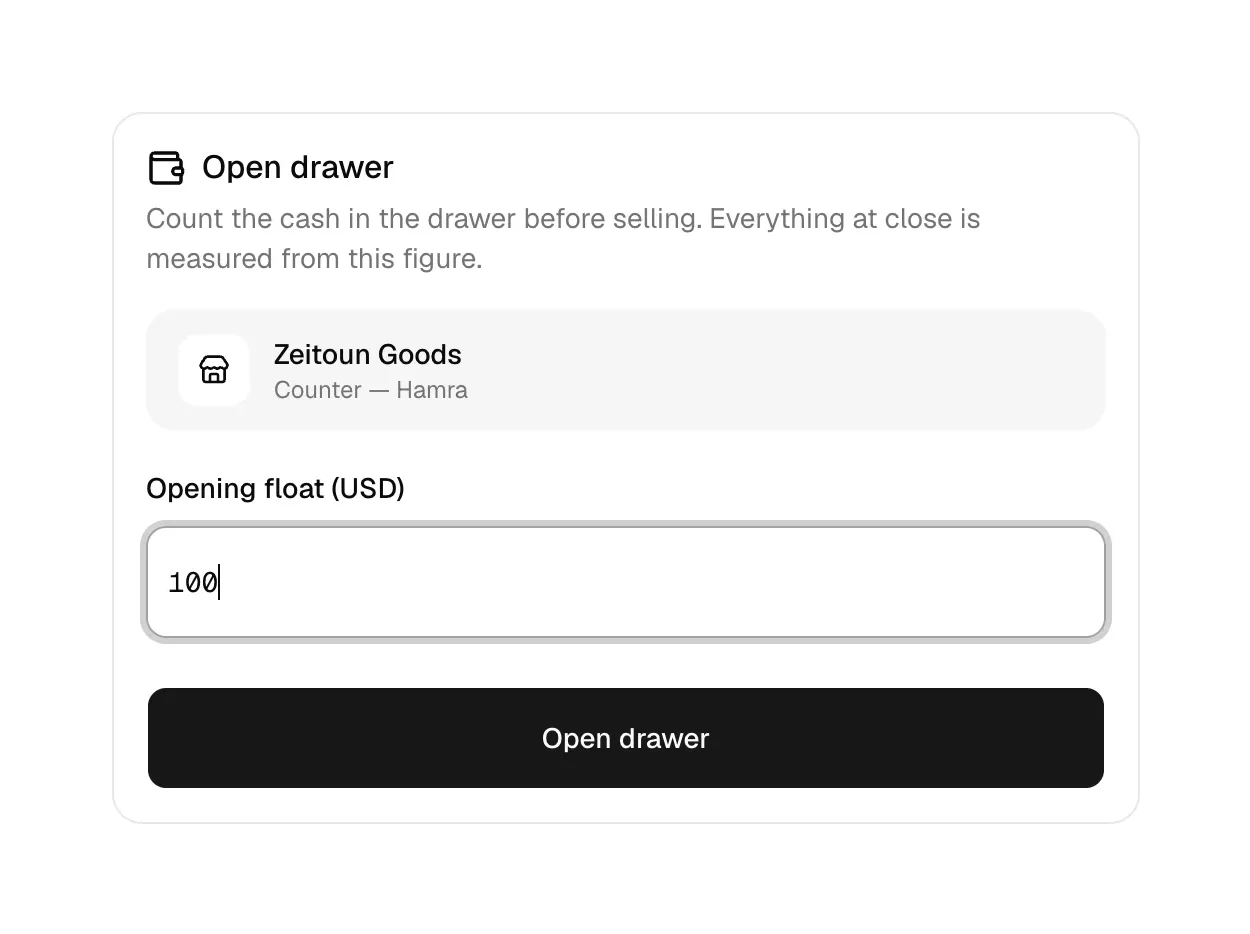
A cashier has one drawer open at a time. If they're already open at another branch, the till takes them there or explains what to do.
Moving cash during the shift
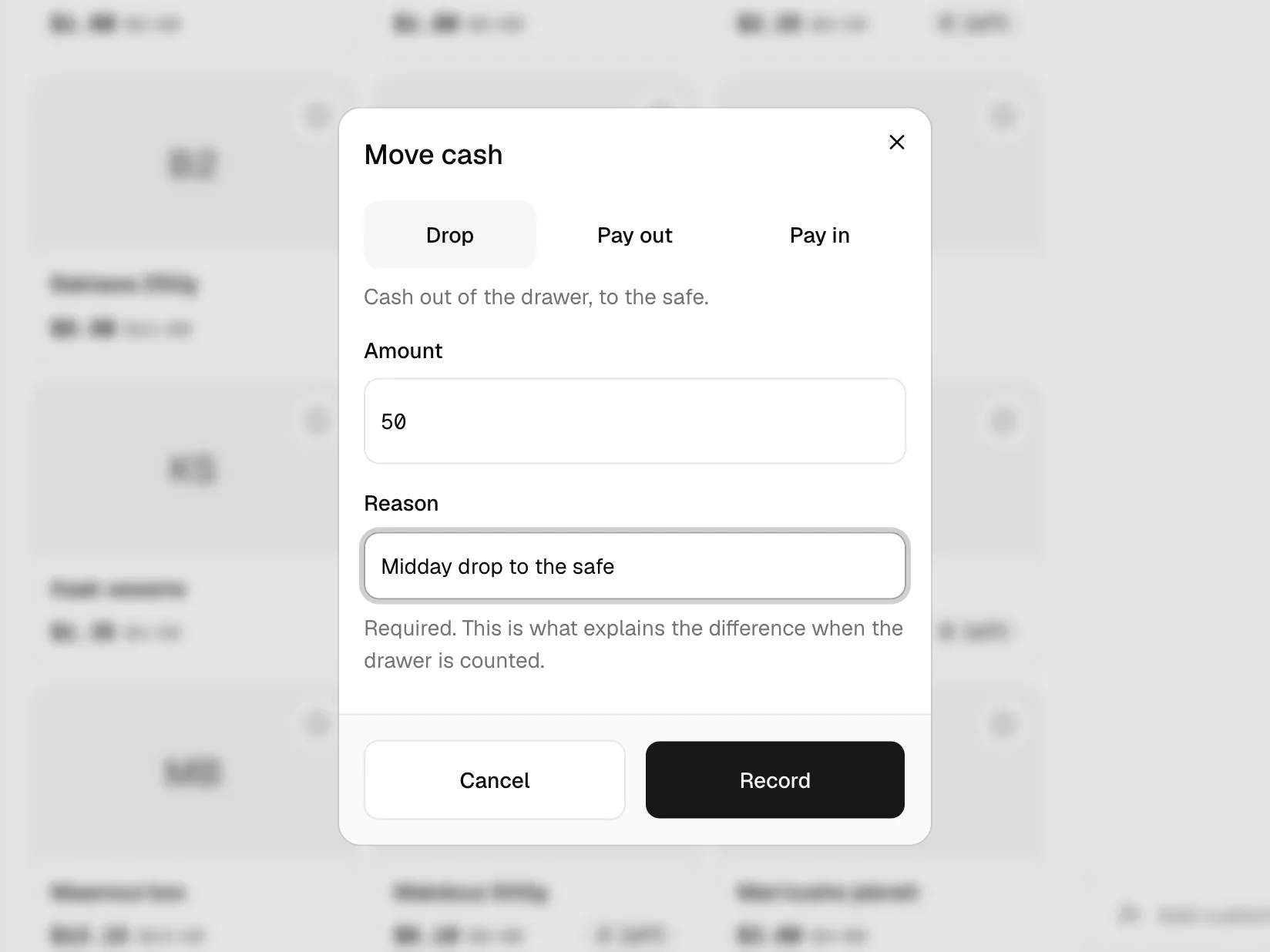
Three kinds of cash movement, each with a required reason:
| Movement | Example |
|---|---|
| Drop | Move $200 from the drawer to the safe. |
| Pay out | Pay a courier $15 from the drawer. The cashier also picks what it was spent on (delivery, supplies…), so it shows up correctly in the accounts as an expense. |
| Pay in | Bring change from the safe into the drawer. |
Each movement records who made it and when.
Closing with a blind count
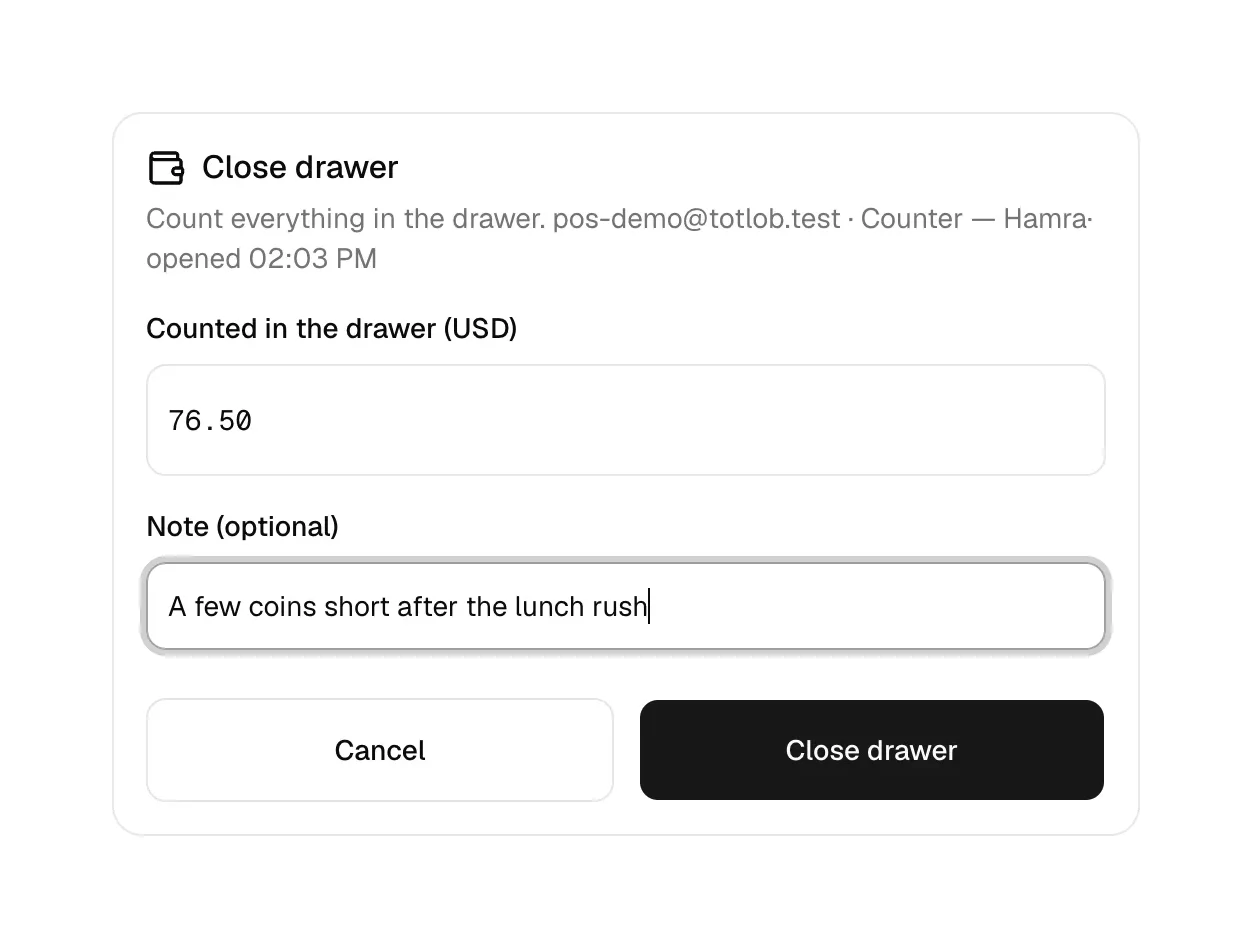
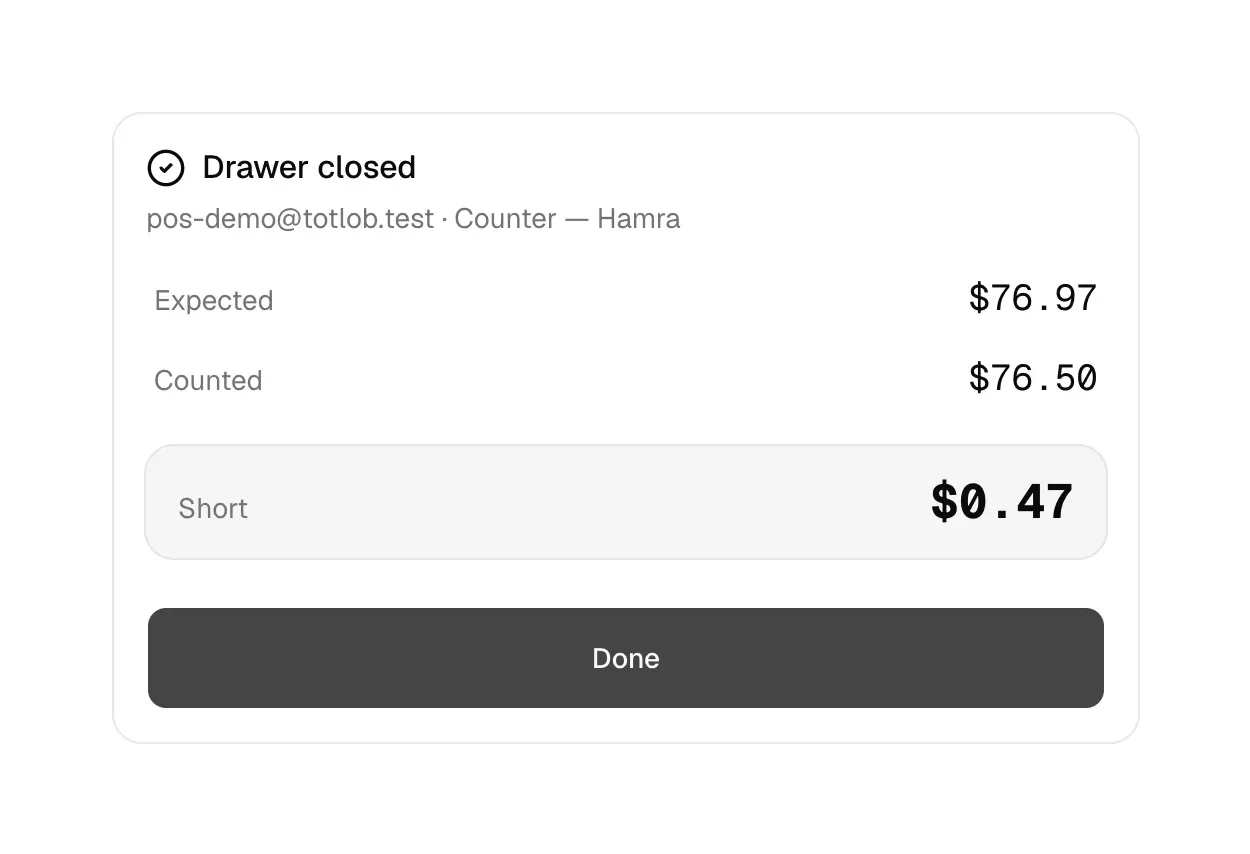
When the shift ends, the cashier counts the cash and types the total first. Only then does the till show:
- Expected: what should be in the drawer (float + cash sales − change − drops and pay-outs + pay-ins − cash refunds)
- Counted: what the cashier entered
- Balanced, Short or Over, with the difference
Why blind?
If a cashier can see the expected figure while counting, it's tempting to make the count match. Showing it only afterwards gives the owner an honest number. The till never shows the running expected cash during a shift either.
The drawer can't be closed while a sale is still in progress.
Drawer history
Cashiers can look back at their own shifts:
- My drawers: every shift, newest first, grouped by day, with a Short or Over label where there was a difference
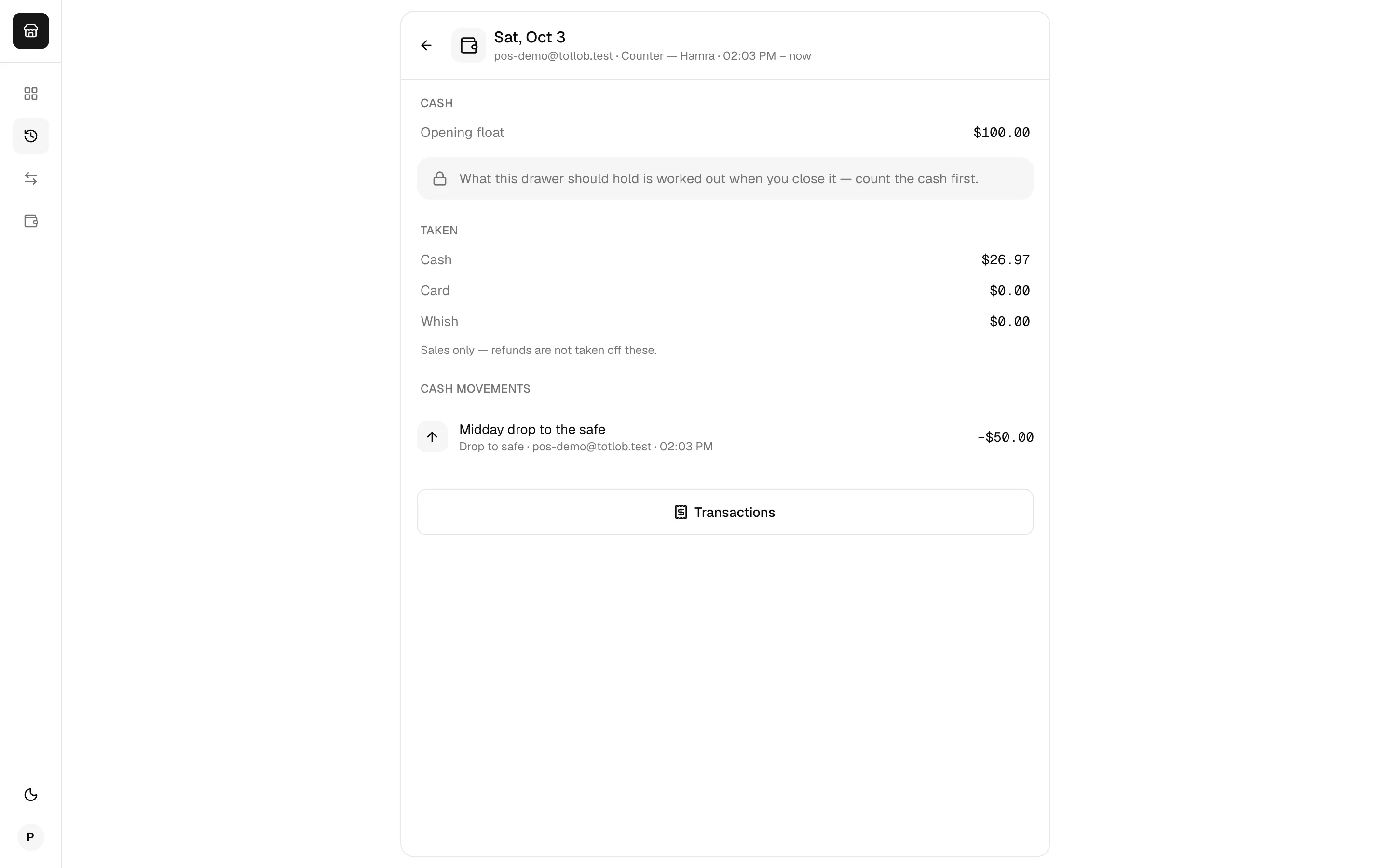
- One drawer: the float, expected and counted cash, the total taken by each payment method (cash, card, Whish), and every cash movement
- Transactions: each sale, viewable by payment or by sale, with split payments and refunds clearly marked