Team, money & settings
Branches, apps & settings
Set up the shop once: its profile, its branches on the map, how it ships, and which apps it uses.
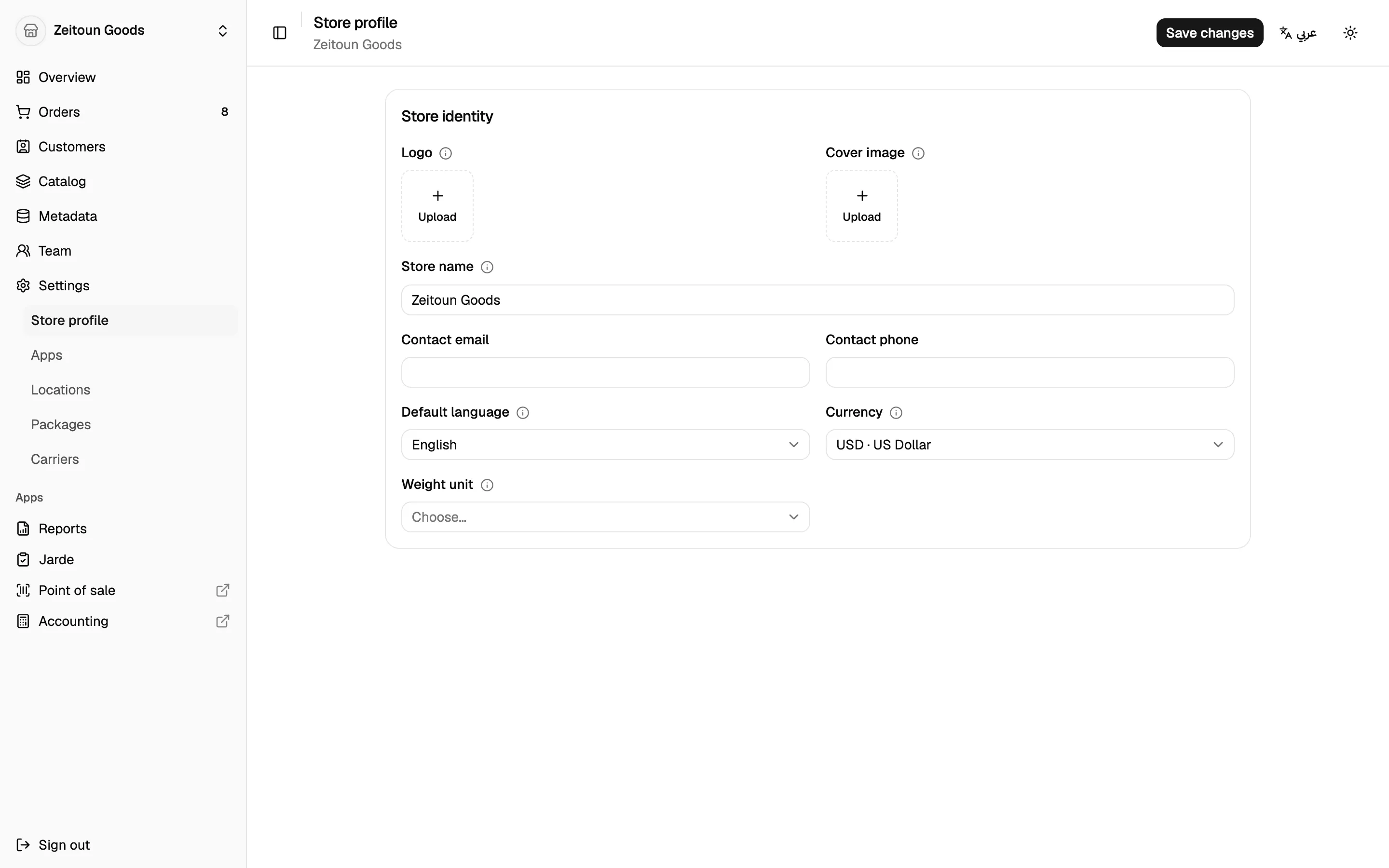
Store profile
- Store name and description, in each language you sell in
- Logo and cover image
- Contact email and phone
- Default language, currency and weight unit
Branches (locations)
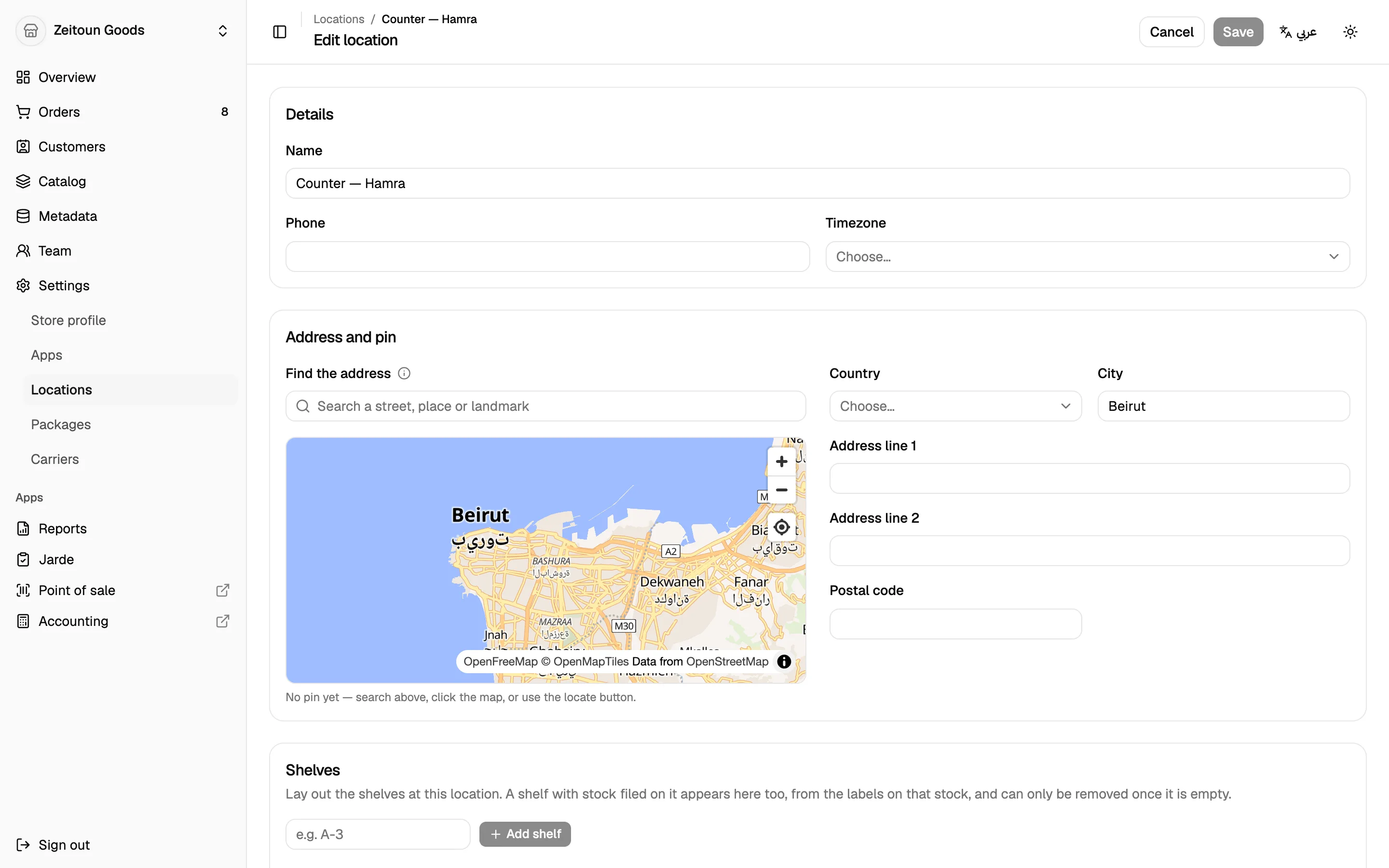
Add as many branches as you need. There's no limit.
- Search for the address, or drag a pin on the map, and Totlob fills in the address
- Country, city, address, time zone and phone
- Shelves: list each branch's shelves so products can be placed on them
Each branch has its own stock, tills, cash drawers and staff access.
Shipping
- Packages: save your usual boxes, envelopes and tubes with their size and weight, and set a default.
- Carriers: keep a list of the couriers you use (e.g. Aramex, Toters) to pick from when adding tracking.
- Flat delivery rate: the default delivery fee for orders.
Apps
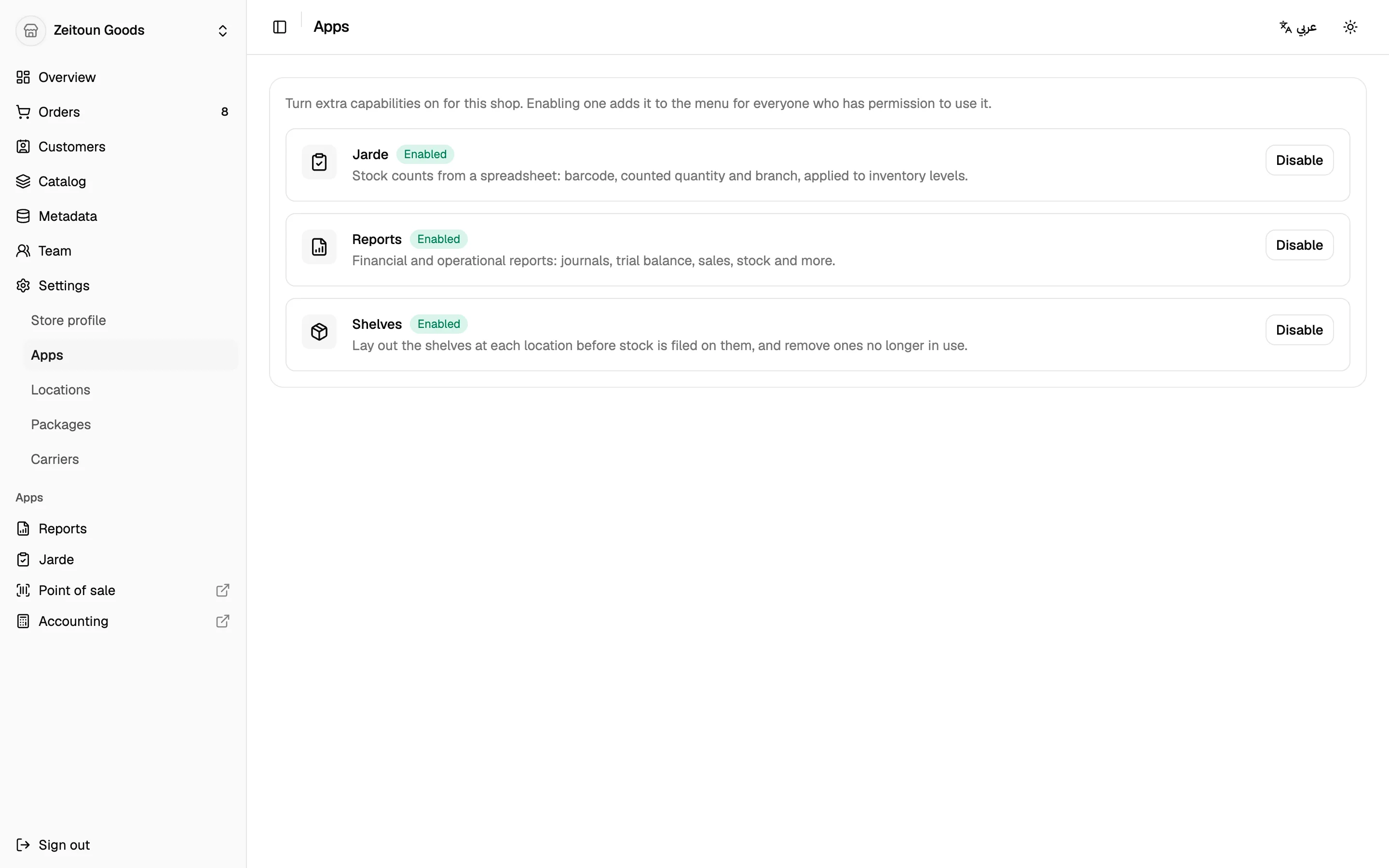
Extra features are switched on per shop from the Apps screen:
| App | What it adds |
|---|---|
| Reports | The 18 ready-made reports |
| Stock count | Spreadsheet stock counts |
| Shelves | A managed list of shelves per branch |
Only the owner can install or remove apps. Staff can see which apps are on.
Connected apps
From the dashboard sidebar, open the Point of sale or Accounting in a new tab with one click, already signed in.
Plans and billing
Paid plans are bought through the Totlob mobile app (App Store or Google Play). The dashboard shows the current plan and past invoices.