Selling in store
Checkout & receipts
Taking payment is one tap for card or wallet, and a quick cash screen that works out the change. Split payments and printed receipts are built in.
Payment methods
| Method | How it works at the till |
|---|---|
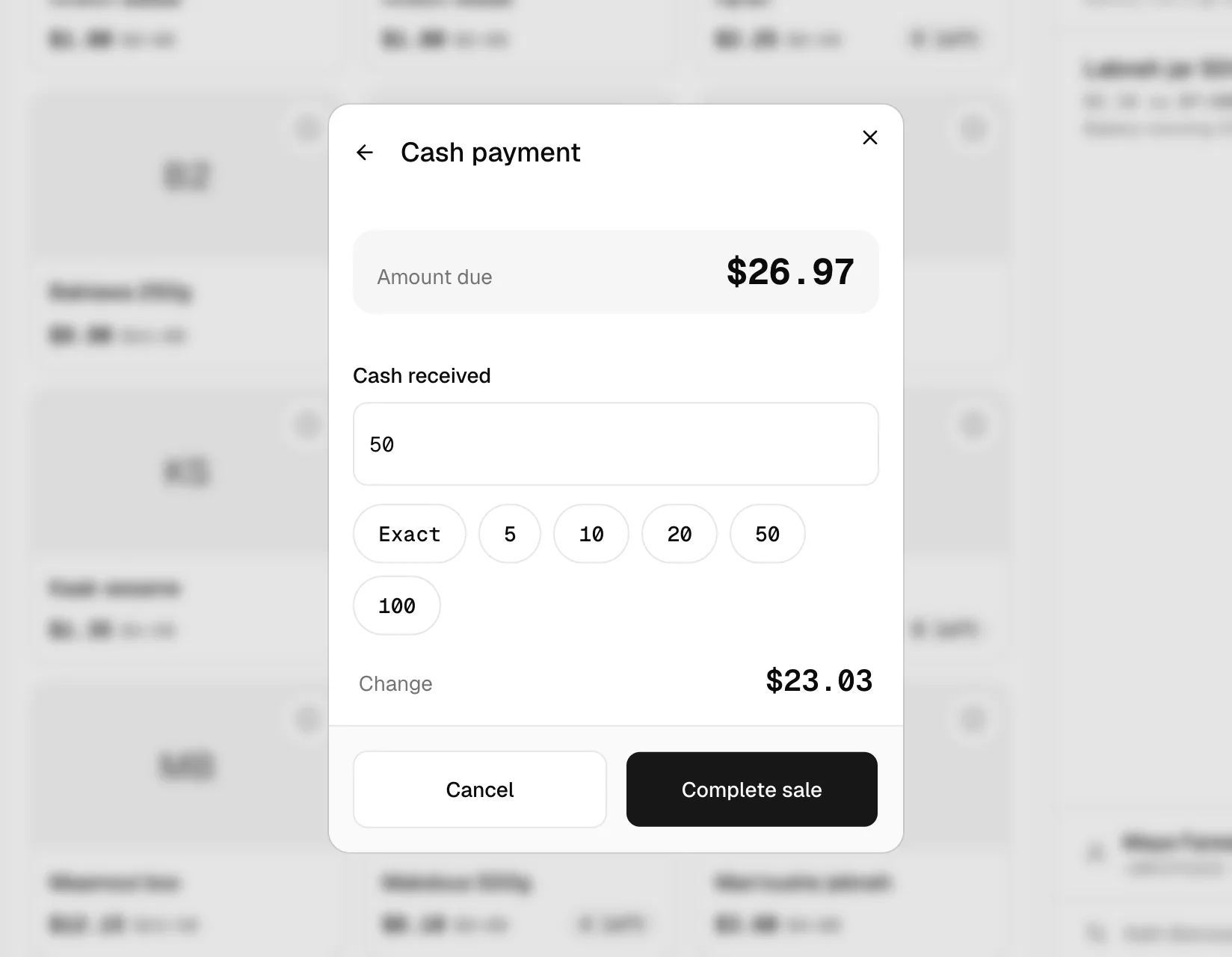
| Cash | Enter the amount handed over, or tap Exact, 5, 10, 20, 50 or 100. The change is shown as you type. |
| Card | Confirm once the card terminal approves. The till records the card payment against the sale. |
| Whish | Confirm once the customer has paid with the Whish mobile wallet. |
| Split payment | Part cash, and the rest by card or Whish. Enter the cash part, and the till works out the remainder. |
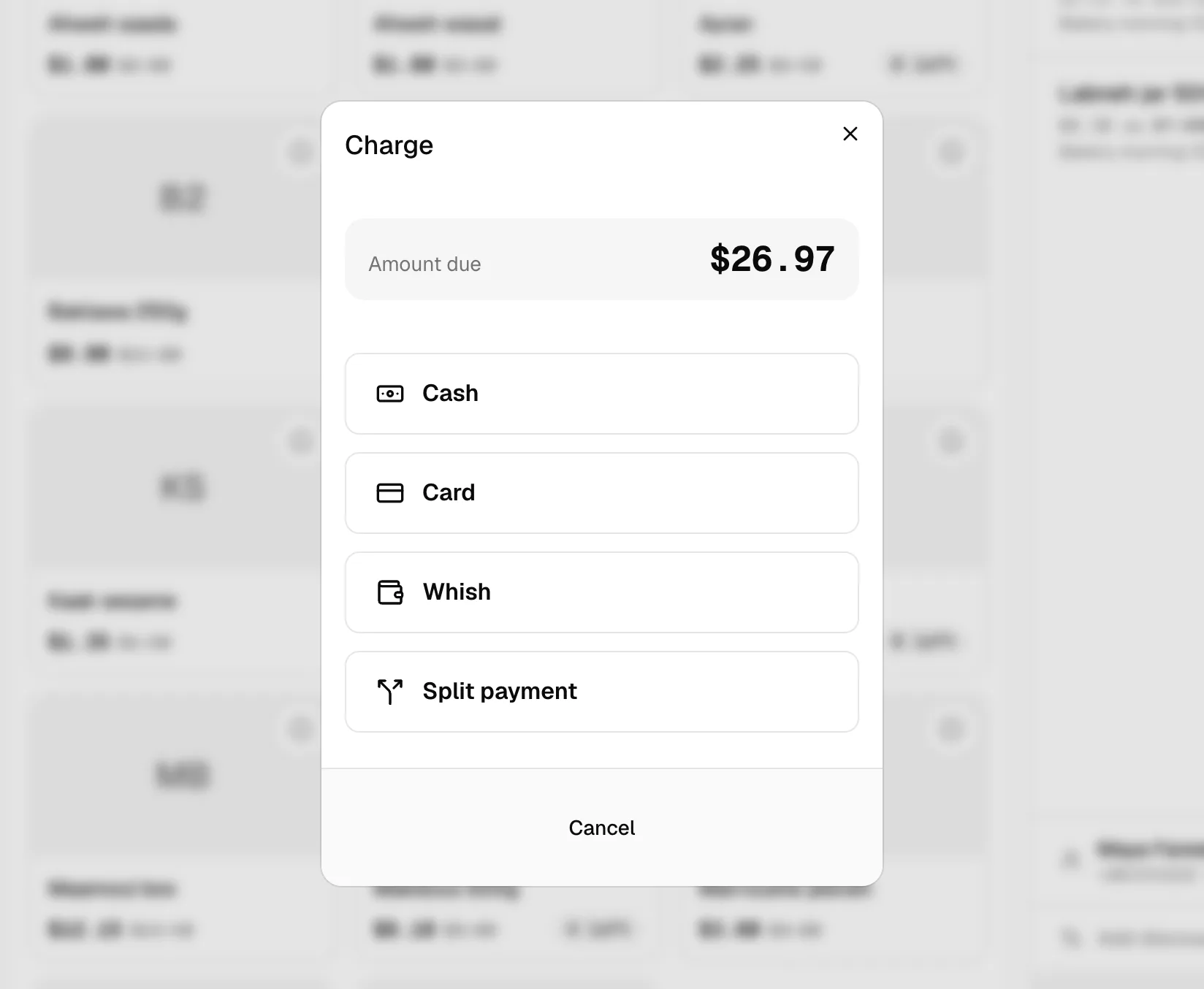
Nothing is pre-selected, so the cashier always chooses the method deliberately. A back arrow switches method without losing the sale.
Card terminals
The till records card and Whish payments but doesn't control the card machine itself. The cashier runs the card on the terminal as usual, then confirms on the till.
After the sale
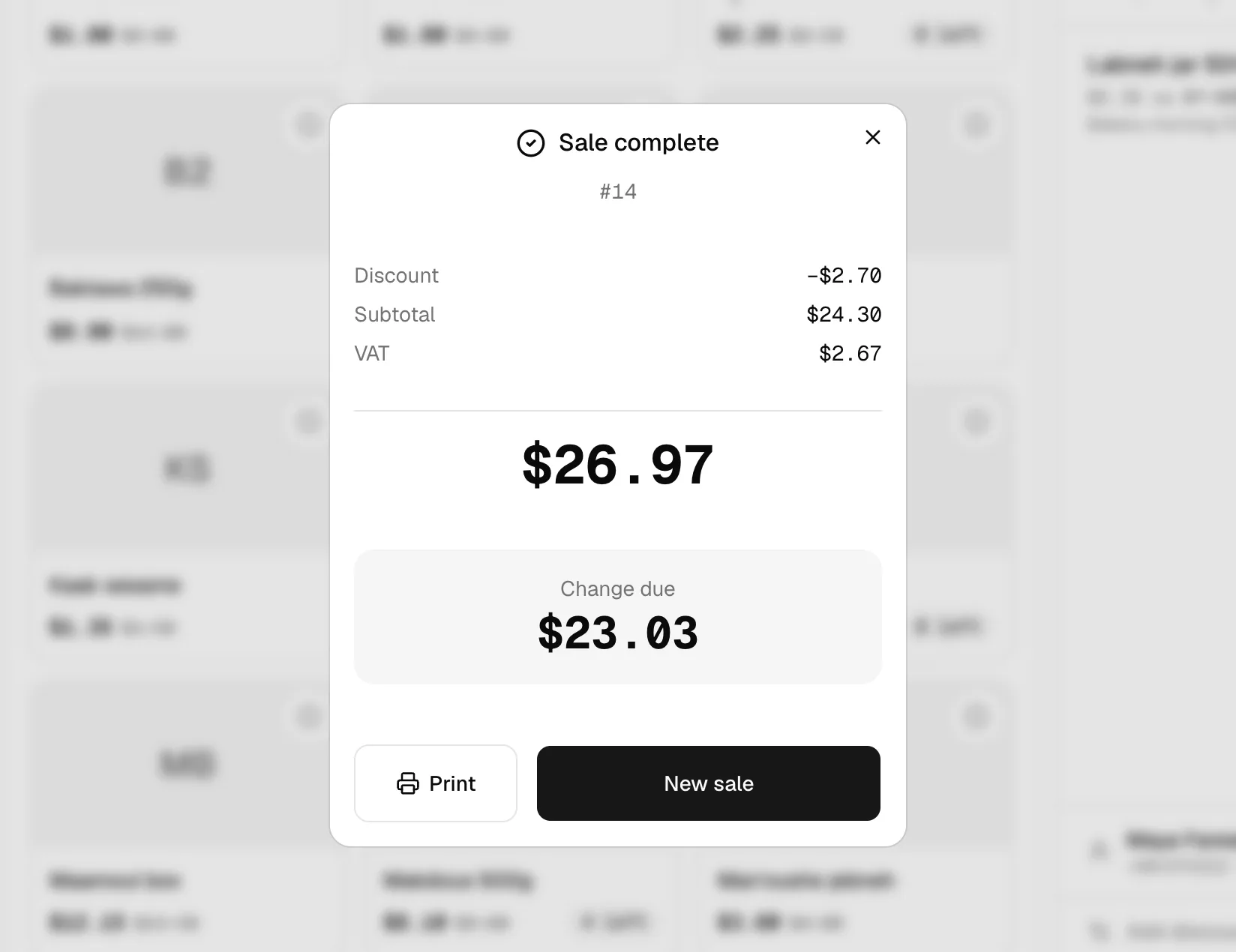
The confirmation screen shows:
- The order number
- The discount, subtotal and VAT breakdown
- The total, each part of a split payment, and the change due
From here the cashier can print the receipt or start a new sale. New sale is focused, so pressing Enter moves straight on.
Printed receipts
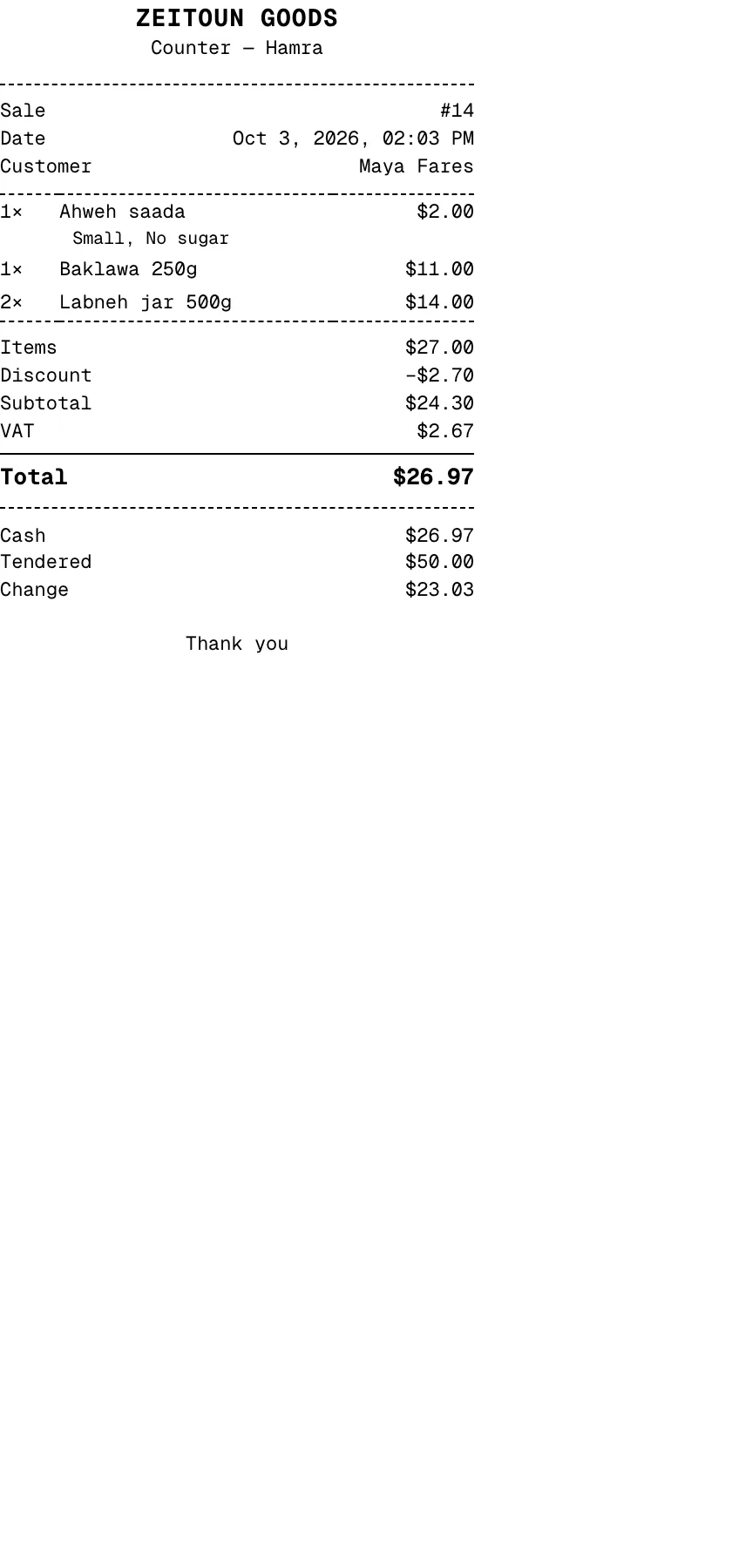
Receipts are laid out for standard 80 mm receipt printers, and include:
- Shop and branch name, sale number, date and time
- The customer's name, if one was attached
- Each item with its options and notes
- Discounts by name: promo code, or the reason for a manual discount
- Subtotal and VAT, or "Includes VAT" for tax-inclusive shops
- Each payment, with cash tendered and change
- REPRINT, if the same sale was submitted twice
Mistakes and refunds
- Before charging, items can be removed or quantities changed freely.
- Refunds and returns are handled from the dashboard. Refunds paid from a drawer appear in the till's drawer history marked Refund. See Orders & delivery.