Team, money & settings
Staff & permissions
Give each person exactly the access they need: what they can do, at which branches, and over which parts of the catalogue.
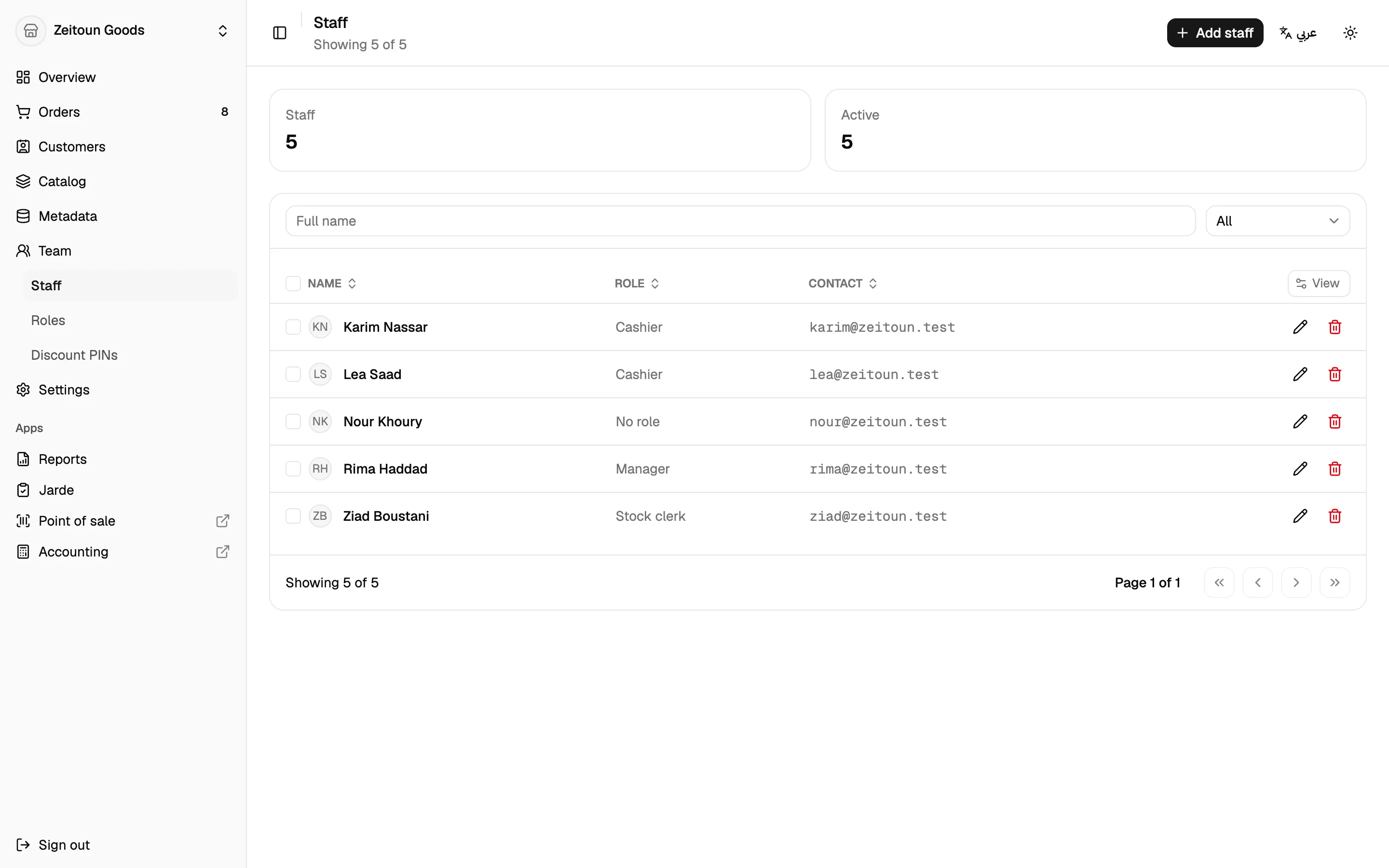
Staff
- Add staff with their name, email, phone (with country code), start date, birthday and emergency contact.
- Staff sign in with their own email and a one-time code. No shared logins.
- Mark staff active or inactive.
Roles
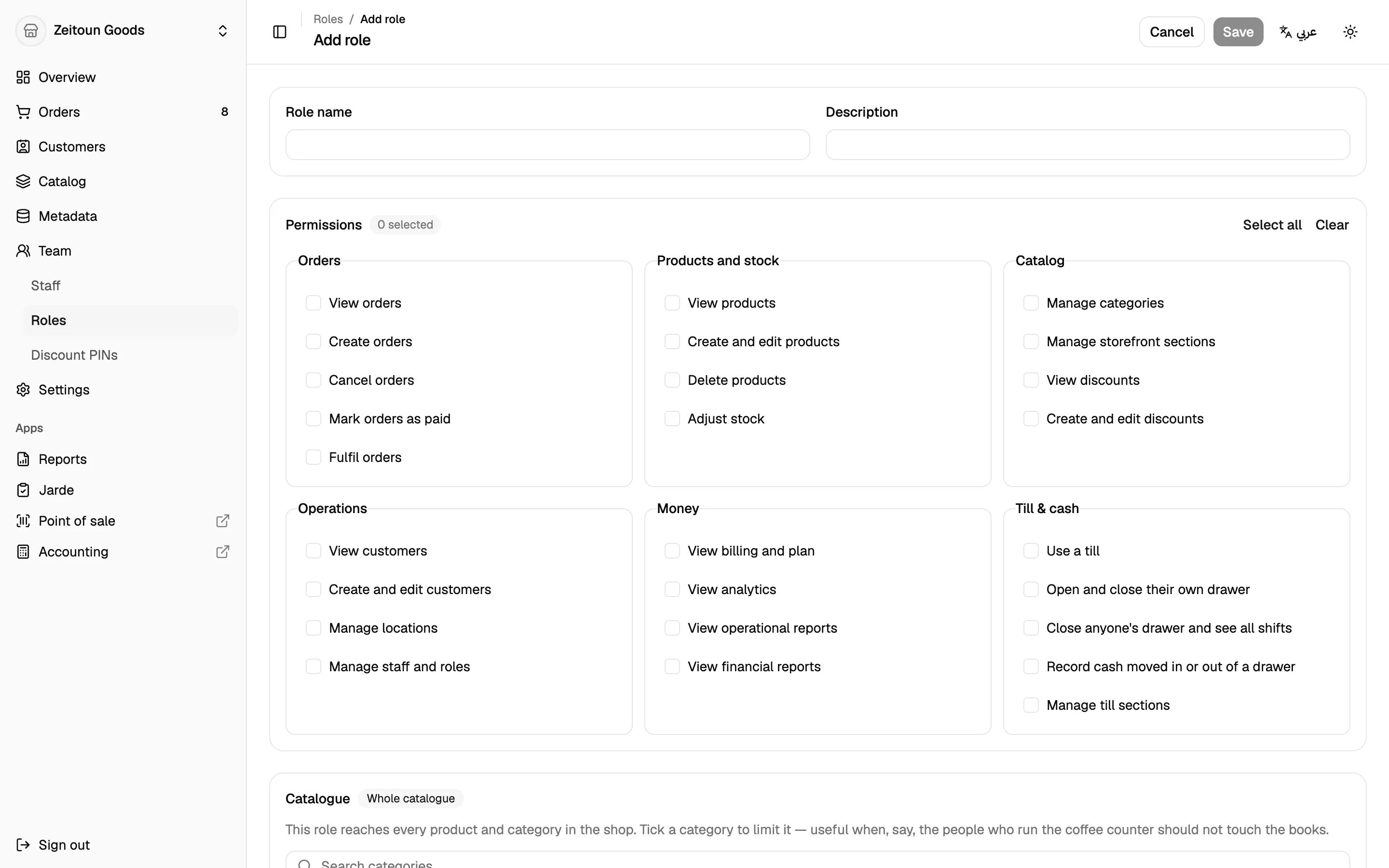
A role is a named set of permissions, like Cashier, Barista, Branch manager or Stock clerk. Each role lists every permission, grouped by area:
| Area | Examples of what a role can allow |
|---|---|
| Orders | View, create, cancel, mark as paid, fulfil |
| Products | View, edit, delete, adjust stock |
| Catalogue | Edit categories, sections and discounts |
| Operations | View and edit customers, edit branches, manage staff |
| Money | View billing, analytics, reports, financial reports |
| Point of sale | Use the till, open a drawer, manage all drawers, move cash, manage till sections |
A role can't be deleted while someone still holds it.
Three dimensions of access
Totlob controls access in three ways at once:
- What: the permissions in the role.
- Where: the branches the role applies to. Pick specific branches or all branches, which automatically includes branches you open later.
- Which products: optionally limit a role to certain categories, such as only the café menu.
A person can hold several roles, each at different branches. For example, Branch manager at Hamra and Cashier at Achrafieh.
Shop-wide changes need shop-wide access
Some changes affect every branch: prices, categories, discounts, sections and customers. Only roles that cover all branches can make them. A branch manager can run their branch without changing prices for everyone else.
What staff see
The dashboard hides the screens a person can't use. Opening a page they don't have access to takes them somewhere they can go. The till shows only the branches they can sell at. Every action is also checked by the platform, so access can't be bypassed.
Discount PINs
Owners issue a 6-digit PIN to each person allowed to approve manual discounts at the till. See Discounts.